Cursor vs Copilot vs Cline vs Windsurf: Ultimate 2026 AI Coding Agents Comparison Guide
Cursor vs Copilot vs Cline vs Windsurf: Ultimate 2026 AI Coding Agents Comparison Guide
As of July 2026, the software development ecosystem has evolved far beyond first-generation tools that simply auto-completed comments or single lines of code. We have entered the era of AI Coding Agents—autonomous tools capable of understanding entire project structures, executing terminal commands, and completing multi-file bug fixes and refactoring independently.
In July 2026, developer productivity hinges on key metrics: entire codebase indexing precision, autonomous agentic file creation and editing capability, Model Context Protocol (MCP) extensibility, Bring Your Own Key (BYOK) cost optimization, rule file (.cursorrules) utilization, and IDE integration styles tailored to developer preferences.
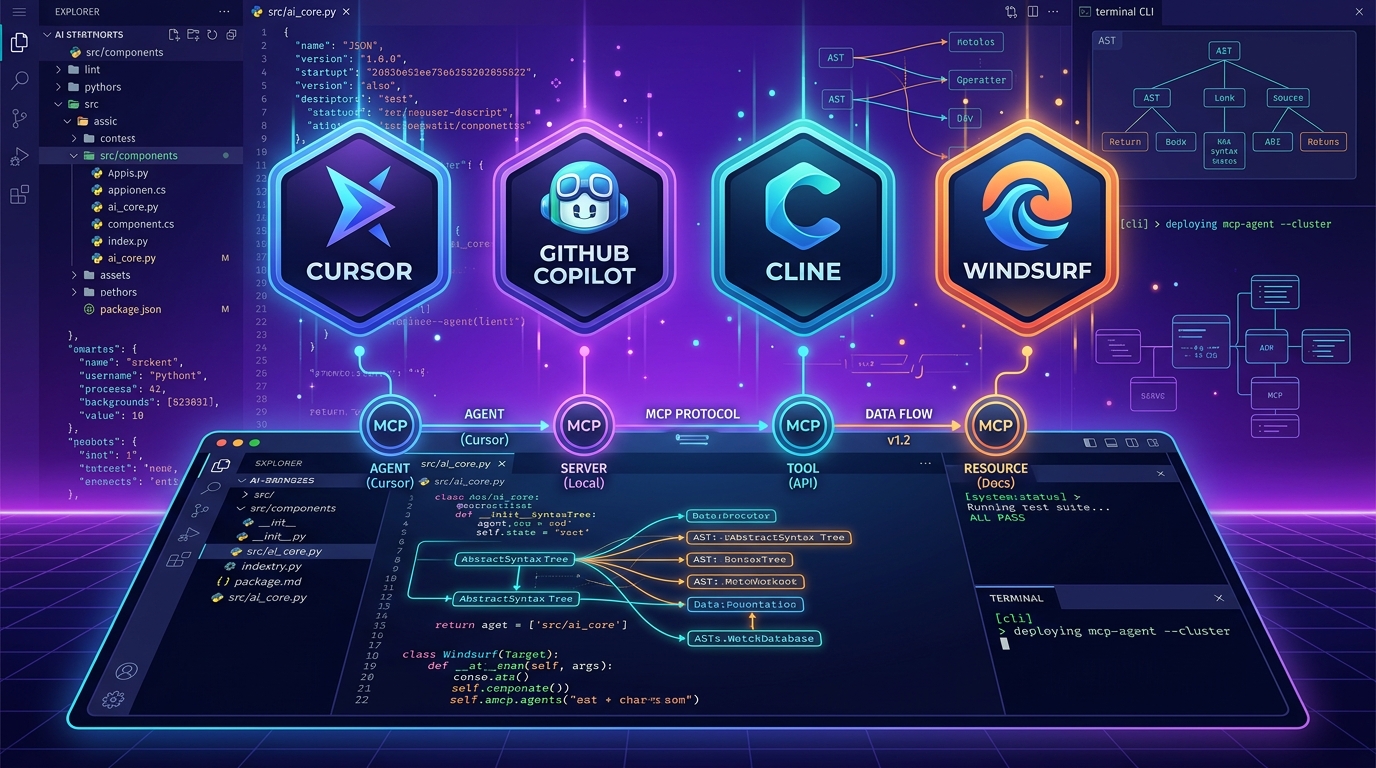
The four leading AI coding agents currently captivating the global developer community—Cursor, GitHub Copilot, Cline (formerly Claude Dev), and Windsurf—are each revolutionizing development with unique rendering pipelines and prompt agent architectures.
Based on the latest data from July 30, 2026, and real-world frontend/backend project benchmarks, this guide presents a detailed, in-depth comparison of these four AI coding agents across multi-file auto-editing, Cascade mission execution, API cost models, VS Code compatibility, MCP integration, rule configuration files, and an optimal selection guide tailored by developer profile.
1. Executive Summary: July 2026 Top 4 AI Coding Agents at a Glance
For developers short on time, here is a comprehensive comparison table summarizing the core specifications and key features of the four tools as of July 2026.
📊 July 2026 Top 4 AI Coding Agents Comprehensive Comparison Table
| Feature | Cursor | GitHub Copilot | Cline | Windsurf |
|---|---|---|---|---|
| Core Format | AI-Native Dedicated IDE (VS Code Fork) | IDE Extension (VS Code, JetBrains, etc.) | Open-Source VS Code Extension Agent | AI-Native Dedicated IDE (Codeium-based) |
| Key Tech / Features | Composer 2.0 (Autonomous Multi-File Editing) | Copilot Edit & Workspace | BYOK & Autonomous MCP Server Integration | Cascade Flow-Aware Agent |
| Supported AI Models | Claude 3.7, GPT o3-mini, Gemini 2.5 | Claude 3.7, OpenAI GPT o3, Gemini | Any LLM API key of your choice | Cascade Proprietary Models & Claude 3.7 |
| Codebase Indexing | Best (Full Project Vectorization) | Excellent (GitHub Repo Integration) | Moderate to High (Specified Context) | Best (Cascade Fast Indexing) |
| Terminal Auto-Execution | ✅ Supported (Requires approval before run) | ✅ Limited Support | ✅ Fully Autonomous Execution (Command Editing) | ✅ Supported (Agent Controlled) |
| MCP (Model Context Protocol) | ✅ Supported | ❌ In Development | ✅ Best MCP Tool Ecosystem Support | ✅ Supported |
| Rule Config Files | .cursorrules supported |
copilot-instructions.md |
.clinerules supported |
.windsurfrules supported |
| Pricing Model | Pro: $20/mo (Unlimited Agent) | Individual: $10/mo (Business: $19/mo) | 100% Free Open-Source (Pay API Token Costs) | Pro: $15–$20/mo |
| Best Suited For | Productivity power users seeking AI-first autonomous coding | Enterprise developers wanting to keep existing VS Code/JetBrains setups | Developers wanting cost savings via API keys and MCP extensibility | Delegating complex, multi-step projects to an agent |
2. Autonomous Agentic Coding & Multi-File Editing Showdown
The biggest difference developers experience today is: “Does the tool merely complete code within a single file?” or “Does it autonomously analyze dependencies across multiple files and edit 5 to 10 files simultaneously?”
🤖 1) Cursor – Composer 2.0’s Unrivaled Multi-File Editing
[Multi-File Editing Workflow Comparison]
- Traditional Coding Assistant: Edit A.ts ➔ Error occurs ➔ Developer manually edits B.ts ➔ Manually edits C.ts
- Cursor Composer            : Type "Add login feature" ➔ Autonomously edits [A.ts, B.ts, C.ts, D.tsx] simultaneously & auto-recovers errors!
- Windsurf Cascade : Type "Update DB schema & refresh API routes" ➔ Agent formulates step-by-step mission plan and executes sequentially.- Composer 2.0: As Cursor’s flagship feature, pressing
Cmd + Iand entering a natural language command allows it to automatically retrieve relevant files and modify dozens of lines of code at once in a real-time diff format. - Full Codebase Indexing: By embedding (Vector Indexing) the entire project root folder, it automatically locates and applies relevant type definitions and utility functions without you needing to explicitly point them out.
🌊 2) Windsurf – Cascade Flow-Aware Agent
- Cascade Pipeline: Windsurf breaks down simple developer instructions into structured “Steps” or missions for execution.
- It operates an autonomous feedback loop: File Exploration ➔ Schema Verification ➔ Logic Modification ➔ Terminal Test Execution ➔ Result Validation. This makes it particularly powerful for complex, large-scale projects.
🛠️ 3) Cline – Open-Source Autonomous Terminal Agent
- BYOK (Bring Your Own Key): As an open-source VS Code extension, Cline operates without subscription fees by connecting directly to your Anthropic (Claude 3.7) or OpenRouter API keys.
- Autonomous Terminal Execution: After editing code, it autonomously executes commands like
npm testornpm run buildin the terminal. If build errors occur, it reads the error logs and self-corrects the code in a powerful autonomous loop.
🐙 4) GitHub Copilot – Ecosystem Standard & Reliability
- Copilot Edit: Introduced in 2026 as a multi-file editing view, it lets developers add multiple files to a session within VS Code and instruct simultaneous edits.
- Enterprise Integration: Directly connected with GitHub Repositories, Issues, and Pull Requests, it strictly adheres to enterprise security guidelines and source code copyright compliance.
3. Pricing Models & API Cost Structure: $20 Subscription vs. Token Pay-As-You-Go
Because every developer has different coding output and budget constraints, comparing cost structures is essential.
💰 1) Top 4 Agents Pricing Comparison (As of July 2026)
① Cursor
- Hobby (Free): 14-day Pro trial and 50 fast premium model requests per month.
- Pro ($20/month): Unlimited slow requests & 500 fast premium requests/month (including Claude 3.7 / GPT o3-mini).
② GitHub Copilot
- Individual ($10/month or $100/year): 100% Free for college students and popular open-source maintainers!
- Business / Enterprise ($19–$39/month): Provides enterprise codebase security and custom IP protection.
③ Cline
- App Price: 100% Free Forever (Open Source)
- Cost: Pay only for the LLM API tokens you consume directly to the provider (Anthropic, OpenAI, OpenRouter). (Extremely cost-effective for light workloads, often around $3–$8/month!)
④ Windsurf
- Free: Basic agent credits included.
- Pro ($15/month): Access to Windsurf Cascade advanced agent mode and premium models.
4. MCP (Model Context Protocol) & External Extensibility Showdown
An analysis of support for Model Context Protocol (MCP), the breakthrough innovation in 2026 AI coding.
- What is MCP?: An open standard protocol allowing AI agents to communicate directly with external tools such as local databases, browser renderers, Figma design files, and GitHub issues.
- Cline’s Decisive MCP Victory: Cline offers a complete, intuitive UI for registering MCP servers. For instance, connecting a PostgreSQL MCP server allows the AI to directly query DB schemas, validate SQL queries, and write code accordingly.
- Cursor & Windsurf: Both officially added native MCP integration in 2026, boosting connectivity with custom external tools.
5. Project Rules (.cursorrules / .clinerules) Configuration Tips
A guide to using project rule files to ensure your AI agent adheres 100% to project coding conventions.
📝 1) Example .cursorrules or .clinerules File
# Project Rules & Style Guidelines

- Framework: Next.js 15 App Router & TypeScript
- Styling: TailwindCSS v4 with Glassmorphism design tokens
- State Management: Zustand (No global Redux)
- Always write JSDoc comments for public exported functions
- Never modify tests without explicit user request- Placing a rule file (
.cursorrules/.clinerules) in the project root ensures the AI coding agent automatically complies with your tech stack and code style guidelines whenever generating code.
6. Real-World Developer Benchmark: Full-Stack Feature Implementation Time
A benchmark measuring the time required to build a complete full-stack authentication system (login, JWT, DB data modeling).
[Full-Stack Auth Module Implementation Time Comparison (Minutes, lower is better)]
- Traditional Manual Coding : 120 min  ██████████████████████████████
- GitHub Copilot            :  45 min  ███████████
- Windsurf (Cascade)        :  25 min  ██████
- Cursor (Composer)         :  20 min  █████
- Cline (Autonomous Shell) : 18 min █████- Result: Using second-generation autonomous coding agents like Cursor, Windsurf, or Cline dramatically reduced development time by over 80% compared to manual coding.
7. Final Selection Guide by Developer Profile
Based on the analysis above, here is the final recommendation breakdown tailored to “your development environment and role.”
🎯 1) Developers coding all day who demand maximum productivity and seamless UX
- Best Choice: Cursor
- Why: 100% VS Code compatibility, combined with Composer 2.0’s unmatched multi-file editing speed and #1 codebase indexing precision.
🎯 2) Enterprise & security-focused developers needing to keep existing VS Code/JetBrains setups
- Best Choice: GitHub Copilot
- Why: Easy adoption without changing IDEs, an affordable $10/month price point, top-tier integration with GitHub Issues/PRs, and industry-leading enterprise security policies.
🎯 3) Developers who find $20/month subscriptions steep and prefer pay-as-you-go API keys (BYOK)
- Best Choice: Cline
- Why: 100% free open-source software, #1 in cost savings by paying only for used tokens, along with top-tier MCP extensibility and autonomous terminal control.
🎯 4) Power users wanting to fully delegate complex multi-step missions to an AI agent
- Best Choice: Windsurf
- Why: Its Cascade flow-aware agent reliably decomposes multi-step tasks into clear sequences and executes them to completion.
8. Conclusion: Core Strategies for 2026 AI Agent Coding
The key takeaway for the development landscape in July 2026 is that “we have moved beyond simple chat assistants into an era of choosing your dedicated autonomous AI partner.”
Build a smart development workflow by leveraging Cursor or Cline for new project setup or deep refactoring, while combining GitHub Copilot for maintaining enterprise codebases! 🚀