Canva vs Tome vs Gamma vs Beautiful.ai vs Figma: Ultimate 2026 AI Presentation Tools Comparison
Canva vs Tome vs Gamma vs Beautiful.ai vs Figma: Ultimate 2026 AI Presentation Tools Comparison
As of July 2026, AI presentation tools and automated slide generators have become the ultimate productivity weapon for university presentations, marketing proposals, startup IR pitch decks, and corporate project reports. The days of spending hours adjusting PPT templates and manually aligning text boxes are officially over.
In July 2026, key metrics for evaluating AI slide tools center around “instant generation speed of outlines/text/designs from a single prompt, smart layout engines that auto-adjust grids when text is edited, PDF and PowerPoint (PPTX) export compatibility, precision in charts and data visualization, plus pricing plans and design precision.” These factors directly determine how much presentation prep time you save.
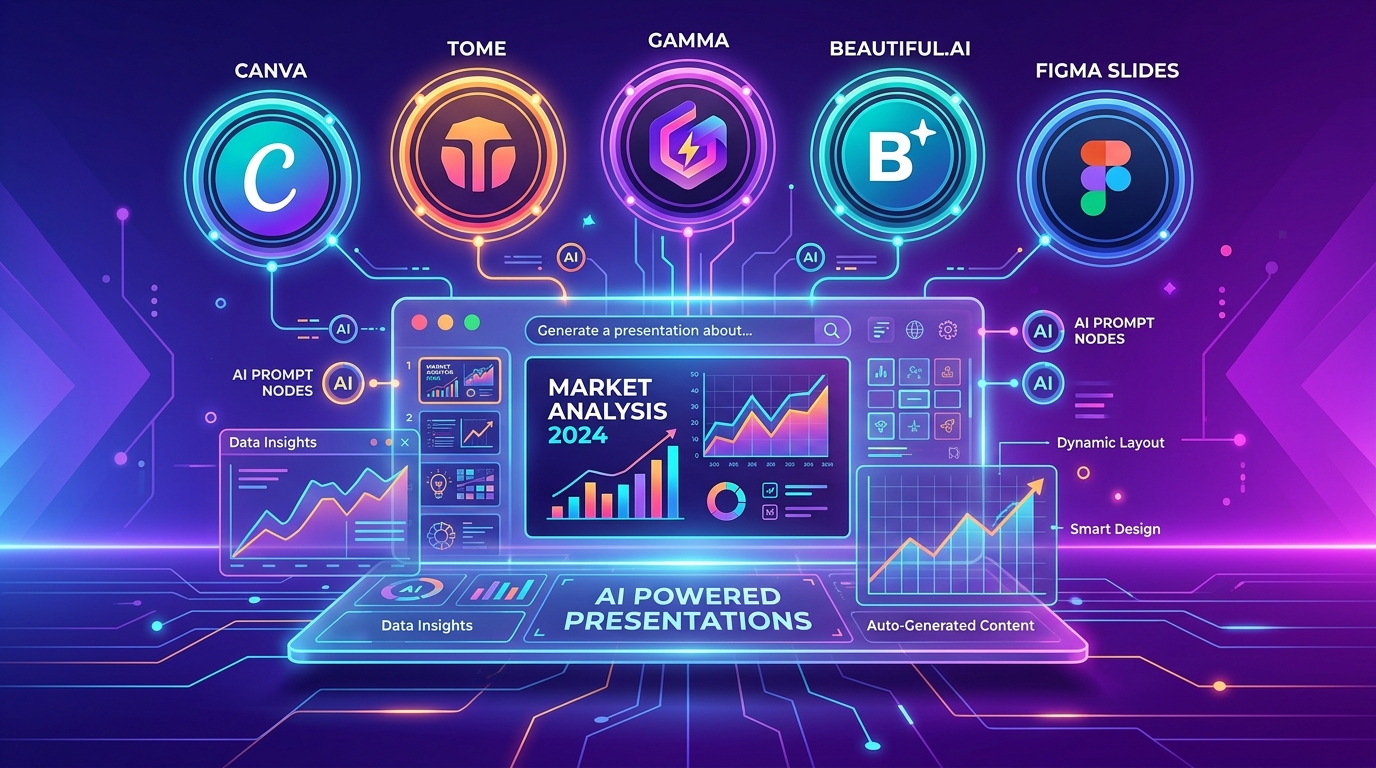
Currently, five flagship AI slide tools dominate the digital presentation market: Canva (Canva Magic Studio), Tome (Tome AI), Gamma (Gamma App), Beautiful.ai, and Figma Slides. Each tool leverages distinct AI capabilities to revolutionize workflows for creators and business professionals alike.
Based on July 30, 2026 data and real-world practitioner benchmarks, this guide provides a deep-dive comparison across 5 major AI presentation tools, evaluating slide generation speed, smart auto-layout alignment, template counts, PPTX/PDF export options, pricing structures, and optimal tool selection by presentation goal.
1. Executive Summary: July 2026 Top 5 AI Presentation Tools at a Glance
For those short on time, here is a master comparison table summarizing key specifications and features of the top 5 tools as of July 2026.
📊 July 2026 Top 5 AI Presentation Tools Master Comparison Table
| Feature / Metric | Gamma App | Canva Magic Studio | Tome AI | Beautiful.ai | Figma Slides |
|---|---|---|---|---|---|
| Core Design Philosophy | 30-sec single prompt fast gen & web cards | Vast stock templates & all-in-one design | Investor IR pitch decks & narrative storytelling | Smart layout auto-alignment & business reports | Designer pixel precision & real-time collaboration |
| AI Generation Speed | Best (Generates full deck in under 30s) | Excellent (Magic Design template suggestions) | Excellent (Auto-builds outline & narrative structure) | Excellent (Smart template generation) | Moderate to Excellent (Figma AI assistant) |
| Smart Layout | Block-based card auto-resizing | Direct manual element editing | Web card scrolling format | Best (Auto-realigns graphics when text changes) | Figma smart layout system |
| Export Compatibility | PDF, PPTX export support | PDF, PPTX, MP4, PNG, Web | PDF, Web link sharing | PDF, PPTX export support | PDF, PPTX, Figma file sharing |
| Templates & Assets | Modern web card style (Excellent) | Best (#1 with millions of design assets) | Modern pitch deck style (Excellent) | Premium business templates (Excellent) | Designer custom system (Excellent) |
| Free Plan Allowance | Base 400 AI credits provided | Generous free plan available | Free credits provided | 14-day trial focused | Figma Starter free plan |
| Main Paid Plans | Plus: $8/mo Pro: $15/mo |
Pro: $14.99/mo | Pro: $16/mo | Pro: $12/mo | Included in Figma Professional |
| Best Recommended For | Users needing sleek presentation drafts fastest | Marketers, social posts, diverse design templates | Startup IR pitch decks & strategic presenters | Corporate reports requiring strict brand alignment | Designers & Figma-based team collaboration |
2. Deep Dive: Key Features of the Top 5 AI Presentation Tools
Depending on your presentation goals—rapid draft generation, access to millions of design assets, investor pitch deck storytelling, corporate branding alignment, or pixel-perfect editing—the strengths of each AI tool differ significantly.
⚡ 1) Gamma (Gamma App) — Sub-30-Second Ultra-Fast AI Slides
- Done with a single prompt: Simply enter “Create an 8-slide presentation on 2026 EV market outlook and emerging tech trends,” and within 30 seconds, Gamma generates a complete slide deck integrating outline, intro, body text, AI images, and charts.
- Fusion of Web Document & PPT: Breaking free from fixed PowerPoint aspect ratios, it delivers smooth, responsive web page-style scrollable views.
🎨 2) Canva (Canva Magic Studio) — Massive Multimedia & All-in-One Design
- Magic Design: Built on top of millions of templates, fonts, graphic elements, and animations, Canva lets you create not only presentations but also social media carousels and video content all in one workspace.
- Automatic Multi-Language Translation: Automatically translate all text across slides into English, Japanese, Spanish, or other languages with a single click while preserving exact layout positioning.
📈 3) Tome (Tome AI) — Investor IR Pitch Decks & Narrative Storytelling
- Aesthetic Narrative Structure: Ideal for startup funding pitch decks or strategic proposals, the AI automatically constructs logical story flows following “Problem Statement ➔ Market Size ➔ Solution ➔ Business Model ➔ Future Vision.”
📐 4) Beautiful.ai — Smart Layout Auto-Alignment
- Unbreakable Smart Templates: When you add or delete text on a slide, text frames, charts, and image paddings automatically realign to preserve pixel-perfect horizontal balance and executive polish.
🎨 5) Figma Slides — Pixel-Level Precision & Team Multiplayer
- The Ultimate Customizer for Designers: Apply Figma components, font tokens, and color palettes directly onto slides while tweaking every element down to the pixel level.
3. Slide Generation Speed & Export Compatibility Battle
[8-Slide Deck Generation Speed Benchmark After 1 Prompt (sec)]
Gamma (Gamma App)    : 30s  ██████████████████████████████ (#1 Ultra-Fast Draft!)
Tome (Tome AI)        : 45s  ████████████████████
Beautiful.ai          : 60s  ███████████████
Canva (Canva Magic)  : 75s  ████████████
Figma Slides         : 90s  █████████
📄 File Export Compatibility Evaluation
- Canva & Gamma & Beautiful.ai: Support seamless export of generated presentations into PowerPoint files (** .pptx**) and PDF formats without layout loss.
- Preventing broken fonts and animations on PPTX export: Beautiful.ai and Canva exhibit the highest compatibility with Microsoft PowerPoint.
4. Pricing & Subscription Model Comparison
[Monthly Paid Subscription Price Comparison (USD)]
- Gamma (Gamma Plus)        : $8.00/mo             (Unlimited AI Generation & Branding Removal)
- Beautiful.ai (Pro Plan)   : $12.00/mo            (Unlimited Smart Templates)
- Canva (Canva Pro)         : $14.99/mo            (All Stock Assets & Magic Studio)
- Gamma (Gamma Pro)         : $15.00/mo            (Advanced AI Models & Custom Fonts)
- Tome (Tome Pro)           : $16.00/mo            (PDF Export & Unlimited AI)
- Figma (Figma Pro Included): $12.00 - $15.00/mo   (Design System Integration)
5. Final Recommendation Guide by Target User & Presentation Goal
Based on the evaluation above, here is the final selection guide tailored to “What kind of presentation do I need to prepare right now?”
🎯 1) Students & Professionals Short on Time Needing a Sleek Draft in 30 Seconds
- Best Choice: Gamma (Gamma App)
- Why: Boasts sub-30-second full slide creation from a single prompt alongside the most modern web card design aesthetics.
🎯 2) Marketers Needing Social Media Carousels, Event Banners, and Extensive Graphic Assets
- Best Choice: Canva (Canva Magic Studio)
- Why: Integrates millions of stock graphics with Magic Design AI capabilities, offering unmatched versatility.
🎯 3) Entrepreneurs Structuring Startup Pitch Decks (IR) or Strategic Proposals
- Best Choice: Tome (Tome AI)
- Why: Highly optimized for pitch decks with logical narrative structuring and native AI image generation integration.
🎯 4) Business Executives Needing Clean Corporate Reports Without Broken Layouts Upon Editing
- Best Choice: Beautiful.ai
- Why: Smart templates automatically recalculate charts, text frames, and white space as text length changes.
🎯 5) Creative Teams Designing Pixel-Perfect Slides & Collaborating with Designers
- Best Choice: Figma Slides
- Why: Top-tier freedom for Figma design system integration and real-time multiplayer co-editing.
6. Conclusion: Mastering the 3-Minute Slide Workflow
As of July 2026, the ultimate winning presentation strategy is a hybrid workflow: “Generate the initial structure, outlines, and script drafts in 30 seconds using Gamma or Tome, then refine the visual design polish using Canva or Beautiful.ai.”
Stop wrestling with PowerPoint layouts all night—leverage modern AI presentation tools to cut your preparation time by 90%! 📊✨