Runway vs Luma vs Sora vs CapCut vs PixVerse: Ultimate 2026 AI Video Generator Comparison Guide
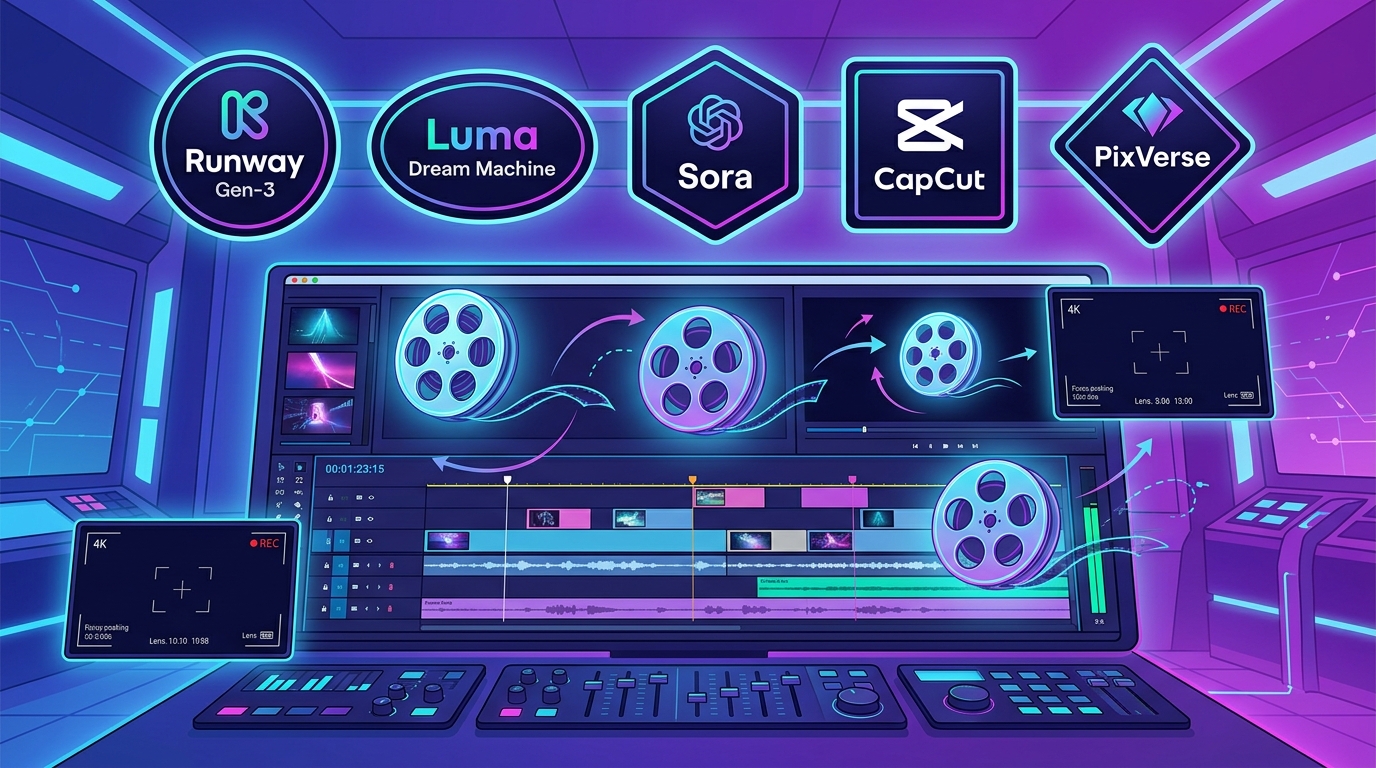
As of July 2026, AI Video Generators & Editors have become the core innovation engine driving content creation across YouTube Shorts, TikTok, Instagram Reels, and corporate brand advertising. We have entered an era where a single line of text prompt or a single still image can automatically generate high-definition video.
When selecting a video AI tool in July 2026, the key metrics determining a creator’s production speed are: camera angle and Motion Brush controls, 4K cinematic rendering quality, Image-to-Video conversion quality, short-form auto-captioning and AI avatar editing speed, and subscription pricing plans.
The five major tools currently leading the video AI market—Runway (Runway Gen-4.5 / Gen-3), Luma Dream Machine, Google Veo / Sora Engine (Google Veo 3.1 / Sora), CapCut AI, and PixVerse (PixVerse V6)—are each transforming creator workflows with their unique video AI neural networks.
Based on the latest data and real-world video editor benchmarks from July 30, 2026, this guide provides an in-depth, comprehensive comparison of these five major AI video tools across video generation quality, Motion Brush precision, short-form auto-captions and one-click editing, Image-to-Video performance, pricing plans, and optimal use-case recommendations.
1. Executive Summary: The 5 Major AI Video Tools at a Glance (July 2026)
For creators short on time, here is a summary comparison table highlighting the core specifications and key features of the top 5 tools as of July 2026.
📊 July 2026 Top 5 AI Video Generators Comparison Table
| Category | Runway (Runway Gen-4.5) | Luma Dream Machine | Google Veo / Sora (Veo/Sora) | CapCut AI | PixVerse (PixVerse V6) |
|---|---|---|---|---|---|
| Core Design Philosophy | Pro Cinematic Camera & Motion Brush | Photorealistic 3D Physics Engine & Fast Rendering | 4K Cinematic & Audio Sync | One-Click Short-Form Editing for Shorts/TikTok | Character Consistency & Multi-Shot Directing |
| Video Quality & FPS | Top Tier (Film-grade 4K, 60fps motion) | Top Tier (Photorealistic 3D rendering) | Top Tier (4K Ultra HD Cinematic) | Excellent (1080p to 4K Short-Form) | Excellent (Animation & Live Action) |
| Motion Brush Control | Top Tier (Direct region-specific movement direction) | Excellent (Keyframe camera manipulation) | Excellent (Natural language camera commands) | Moderate (Basic template animations) | Excellent (Character motion control) |
| Image-to-Video | Top Tier (High-resolution still image animation) | Top Tier (Natural dynamic motion from images) | Excellent (Text-based & Image-based) | Excellent (Auto-converts photos to video) | Top Tier (Maintains character style across shots) |
| Short-Form Editing | Video Source Generation Focused | Video Source Generation Focused | Video Source Generation Focused | Top Tier (#1 in Auto-Captions, AI Avatars & Templates) | Storyboard Clip Generation Focused |
| Free Trial / Credits | 125 Free Credits provided | Daily Free Rendering Credits | Google AI Platform Integration | Free Built-in Basic Editor | Daily Free Credits provided |
| Main Paid Plans | Standard: $12/mo Pro: $28/mo | Standard: $9.99/mo | Google Cloud / OpenAI Integration | CapCut Pro: $7.99/mo | Pro: $10/mo |
| Best Suited For | Filmmakers, Ads, Users requiring advanced camera control | Photorealistic 3D rendering & Rapid idea prototyping | Pro Productions & High-Resolution Marketing Video | YouTube Shorts, Reels, and TikTok Short-Form Creators | Fairy tales, Animations, and Character sequence production |
2. Deep Dive: Core Features of the 5 AI Video Generators
The optimal AI tool depends on the creator’s target video style (film-grade cinematic vs. photorealistic 3D motion vs. YouTube Shorts/Reels short-form vs. character storyboards).
🎬 1) Runway (Runway Gen-4.5 / Gen-3) - The Ultimate Cinematic Camera & Motion Brush
- Motion Brush & Camera Control: Offers an unmatched Motion Brush feature allowing you to paint specific areas of a video (e.g., smoke, seawater, characters) with a mouse and assign motion directions using vector arrows.
- Commercial Production Standard: Create professional movie-style cinematic cuts by entering camera lens parameters such as zoom-in, zoom-out, pan, and tilt.
⚡ 2) Luma Dream Machine - Photorealistic 3D Physics Engine & Fast Prototyping
- Natural 3D Physics: Accurately calculates gravity, reflection, and lighting shifts when objects move, achieving smooth camera pass-throughs governed by real-world physical laws.
- Image-to-Video Innovation: Upload a still image created with Midjourney or DALL-E, and it converts it into an ultra-realistic motion video in just 5 seconds.
🌐 3) Google Veo / Sora Engine (Google Veo 3.1 / Sora) - 4K Cinematic & Audio Sync
- Audio & Video Synchronization: Simultaneously generates 4K ultra-high-definition video while naturally syncing audio sound effects and dialogue tied to the spatio-temporal scene.
📱 4) CapCut AI - Dedicated AI Editor for YouTube Shorts, Reels, and TikTok
- One-Click Short-Form Templates: Simply input a text script, and AI searches/generates matching video clips, placing automatic captions and AI avatar voices all at once.
- TikTok/Shorts Ready Workflow: Instantly convert generated videos from 16:9 to 9:16 aspect ratio on mobile or PC for direct uploading to Shorts.
🎨 5) PixVerse (PixVerse V6) - Visual Character Consistency & Multi-Shot Animation
- Storyboard Consistency: Maintains character model integrity without distortion while adding motion when building multi-scene sequences based on webtoon or storybook character images.
3. Motion Control Precision & Short-Form Production Speed Benchmark
[5-Second Video Generation Speed Benchmark After Text Input (Lower is better)]
Luma Dream Machine (Luma)  : 30s  ██████████████████████████████ (#1 Ultra-Fast Generation!)
PixVerse (PixVerse)        : 40s  ████████████
CapCut AI (CapCut)         : 45s  █████████
Runway (Runway Gen-4)      : 60s  ██████
Google Veo (Google Veo)    : 75s  ████
4. Pricing & Subscription Structure Battle
[Monthly Main Service Subscription Pricing Comparison (USD)]
- CapCut Pro (CapCut Pro)   : $7.99/mo           (Mobile/PC Multi-Templates & Captions)
- Luma (Luma Standard)     : $9.99/mo           (Unlimited Photorealistic Video Generation)
- PixVerse (PixVerse Pro)   : $10.00/mo          (Multi-Shot Rendering)
- Runway (Runway Standard)  : $12.00/mo          (625 Credits & Motion Brush)
- Runway (Runway Pro)       : $28.00/mo          (2250 Credits & 4K Download)
5. Final Recommendations by Creator Type & Use Case
Based on the above analysis, here is the final recommendation guide according to “What kind of video are you trying to create?”
🎯 1) Video Editors Needing Film, Commercial Ad, and Cinematic Camera Motion Control
- Top Choice: Runway (Runway Gen-4.5)
- Why: Ranked #1 among video professionals for camera angle control and Motion Brush precision.
🎯 2) Users Wanting Fast Conversion of Still Images into Smooth Photorealistic 3D Videos
- Top Choice: Luma Dream Machine
- Why: Fastest Image-to-Video rendering speed with the most natural 3D physical motion.
🎯 3) Marketers Looking to Quickly Create and Monetize YouTube Shorts, TikTok, and Reels
- Top Choice: CapCut AI
- Why: Ranked #1 for AI auto-captions, 9:16 aspect ratio conversion, AI avatars, and short-form templates.
🎯 4) Productions Requiring Pro-Grade 4K Marketing Videos and Audio-Visual Sync
- Top Choice: Google Veo (Google Veo 3.1)
- Why: Industry-leading 4K HD rendering quality and video-to-audio synchronization capabilities.
🎯 5) Creators Directing Sequential Storyboards for Webtoons, Children’s Books, or Animation Characters
- Top Choice: PixVerse (PixVerse V6)
- Why: Offers the most flexible character form preservation and multi-shot scene rendering.
6. Conclusion: The AI Video Hybrid Workflow
The bottom line for video AI production as of July 2026 is that a “hybrid workflow—generating high-quality video assets with Runway or Luma, then importing them into CapCut AI for auto-captions, background music, and short-form finalization” is the most powerful strategy.
Bring your ideas to life with high-definition video even without professional camera equipment! 🎬✨