Notion vs Jira vs monday.com vs Asana vs Trello: Complete 2026 Project Management Tools Comparison Guide
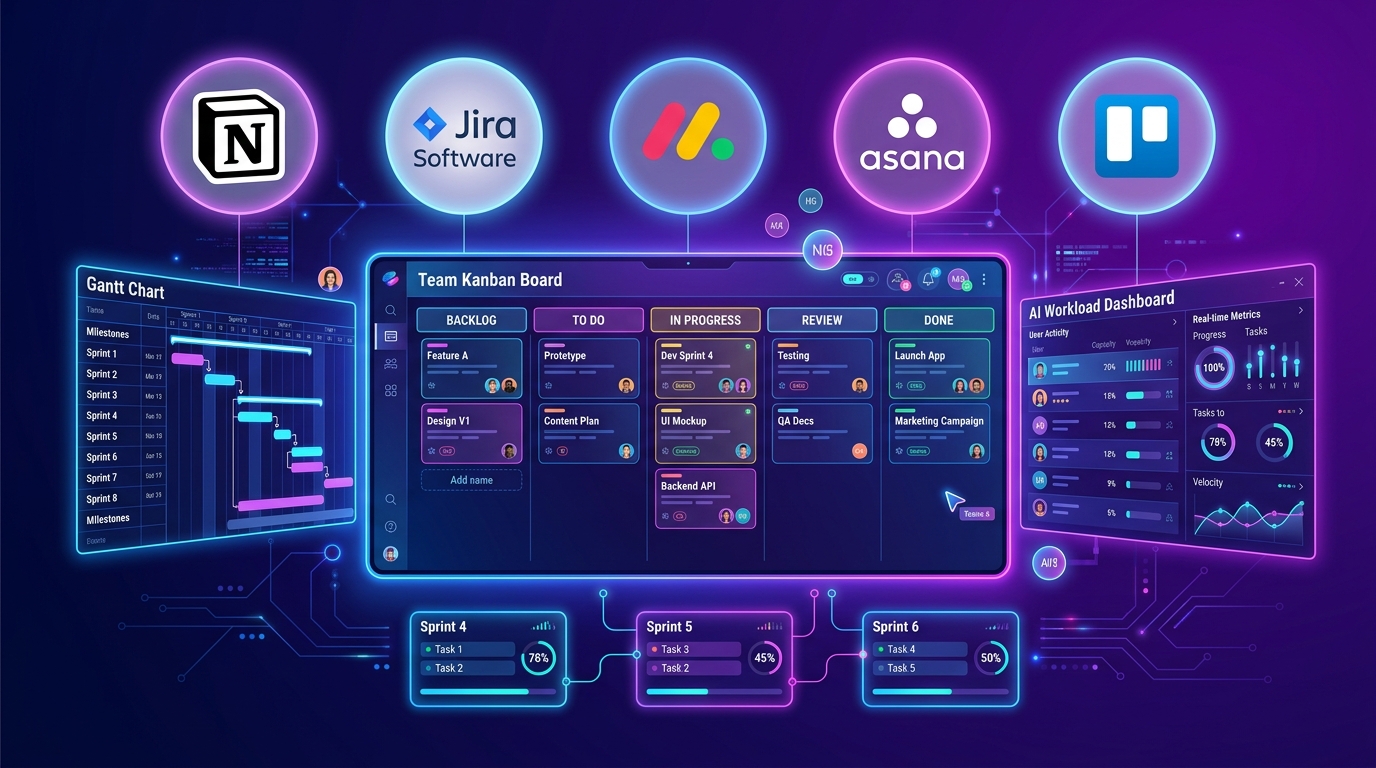
Notion vs Jira vs monday.com vs Asana vs Trello: Complete 2026 Project Management Tools Comparison Guide
As of July 2026, remote and hybrid work models have fully matured, and project complexity continues to rise—making Project Management Tools a core digital infrastructure that directly determines team productivity.
The project management paradigm in July 2026 has evolved beyond simple “To-Do List Management.” Key evaluation criteria for selecting a tool now revolve around “work automation powered by AI agents, multi-project portfolio monitoring, integration with code/communication tools, seamless migration, and real-time visualization of team workload.”
The five leading tools driving today’s digital collaboration market—Notion, Jira, monday.com, Asana, and Trello—each offer unique user interfaces and workflow engines that transform how organizations collaborate.
Based on the latest data as of July 30, 2026, and real-world team collaboration benchmarks, this guide provides an in-depth, side-by-side comparison of these top 5 project management tools across core features, AI automation capabilities, pricing plans, migration strategies, and team-size recommendations.
1. Executive Summary: The Top 5 Project Management Tools at a Glance (July 2026)
For busy readers and team leads, here is a comprehensive comparison table summarizing the core specifications and key highlights of the top 5 tools as of July 2026.
📊 July 2026 Top 5 Project Management Tools Overview
| Feature / Metric | Notion | Jira | monday.com | Asana | Trello |
|---|---|---|---|---|---|
| Core Philosophy | All-in-One Docs & Custom DB | Software Dev & Agile Sprints | Visual Dashboards & Work Automation | Goal-Centric Team Workload Management | Intuitive Drag-and-Drop Kanban |
| Core Views | Docs, Table, Board, Calendar, Timeline | Scrum Board, Backlog, Burndown Chart | Gantt, Dashboards, Spreadsheet-style Board | Timeline, Workload, Portfolio | Kanban Board |
| AI Level | Notion AI Agent (Auto Docs/DB) | Jira AI (Ticket Summary/Incident Triaging) | monday AI (Automation Recipes) | Asana Intelligence (Goal Analytics) | Trello Atlassian Intelligence |
| Free Plan | Unlimited Personal Storage / Team Trial | Permanently Free for Teams up to 10 | Basic Free for up to 2 Users | Free for up to 10 Users | 10 Boards with Unlimited Cards/Lists |
| Key Paid Pricing | Plus: $10/mo per user | Standard: $7.75/mo | Standard: $12/mo | Starter: $10.99/mo | Standard: $5/mo |
| Learning Curve | Moderate (High Template Flexibility) | High (Agile Knowledge Required) | Low to Moderate (Intuitive UI) | Moderate | Lowest (0% Learning Curve) |
| Best Suited For | Teams keeping docs & tasks in one place | Developers, IT Engineers, Agile Teams | Non-dev teams (Marketing, Sales, Design) | Mid-to-Large Orgs, Workload Management | Individuals & Small, Straightforward Projects |
2. Core Features & Deep-Dive Matchups by Tool
Depending on your team’s workflow and nature of work, each tool delivers a completely distinct value proposition.
🗂️ 1) Notion – All-in-One Wiki & Unified Database
- Integrated Docs & Tasks: Write meeting notes, PRDs, and design guidelines while instantly linking project databases and task cards directly inside the document.
- Notion AI Agent: Ask in plain natural language like “Summarize the project timeline” or “Collect only this week’s uncompleted tasks,” and AI instantly aggregates hundreds of documents and tables to generate reports.
🛠️ 2) Jira – The Global Standard for Developers & Agile Sprints
- Sprint & Backlog Management: Offers top-tier implementations for two-week sprint planning, feature epics, bug ticket tracking, and burndown charts.
- Developer Ecosystem Integration: Perfectly syncs with GitHub, GitLab, and Bitbucket—updating a Jira ticket status to ‘Done’ automatically with a single commit.
🎨 3) monday.com – Visual Customization & Work OS
- Spreadsheet-style Boards with Easy Export: Configure color tags and dropdowns without coding experience just like using Excel, making it highly popular with marketing, design, and sales teams.
- 200+ Automation Recipes: Build automations such as “When status changes to ‘Done’, send a Slack message to the team lead and update the timeline” with just a few clicks.
🎯 4) Asana – Work Graph & Team Workload Visualization
- Workload Visualization: Real-time graphic insights show whether Team Member A is overloaded with too many tasks or if Team Member B has bandwidth, allowing seamless task reassignments.
- Goal Alignment: Visually connects company-wide OKRs and KPIs with sub-project tasks with complete clarity.
📌 5) Trello – Intuitive Kanban with Zero Learning Curve
- Drag-and-Drop Simplicity: The easiest and fastest tool for moving cards across columns like ‘To Do ➔ Doing ➔ Done’, just like sticky notes.
- Power-Ups Ecosystem: Customize freely by adding calendar views or file attachment extensions as needed.
3. Pricing Plans & Budget Optimization
Here is a monthly/annual subscription cost analysis per user.
[Monthly Paid Tier Comparison Per User (USD, Annual Billing)]
- Trello (Trello Standard)    : $5.00/mo   ████████                      (Lowest Price)
- Jira (Jira Standard)       : $7.75/mo   ████████████                  (Best Value for Dev Teams)
- Notion (Notion Plus)        : $10.00/mo  ███████████████               (Best Doc & DB Value)
- Asana (Asana Starter)      : $10.99/mo  ████████████████              (Goal Monitoring)
- monday (monday.com Standard): $12.00/mo  ██████████████████            (Visual Dashboards)
💡 Pro Tips for Free Plans:
- Engineering teams under 10 members: Jira Free Plan (Free for up to 10 users!).
- Individuals and students: Notion Free Account (Unlimited personal blocks).
- Small Kanban projects: Trello Free Plan (10 boards with unlimited cards).
4. Data Migration & Third-Party Integrations
Here is a comparison of data transfer ease when moving from an existing tool to a new project management platform.
🔄 1) Cross-Tool Data Migration
- Trello ➔ Notion / monday.com: Import and export Trello boards and cards with a single click, keeping them cleanly modularized.
- Jira ➔ Asana: Migrate developer ticket data seamlessly while preserving historical context via CSV importers or Jira exporter plugins.
🔌 2) External App Integrations (Slack, Zoom, GitHub, Figma)
- Jira & Asana: Lead the industry with powerful Slack notifications and automatic GitHub commit linking.
- monday.com: Directly integrates with over 200 business SaaS applications natively without requiring Zapier.
5. AI Automation Matchup (2026 Latest Trends)
The key innovation in 2026 project management tools centers on: “Can AI proactively warn teams about project risks and automatically generate reports?”
- Notion AI: Assists with document writing and synthesizes scattered database records in under 10 seconds via AI agents.
- Jira AI: Reads long customer incident reports, analyzes root causes, and automatically generates developer ticket details.
- monday AI: Automatically reschedules complex project workflows and visual dashboard timelines.
- Asana Intelligence: Detects project delay risks early and dispatches warning alerts to team leads.
6. Final Recommendation Guide by Organization Type
Based on the analysis above, here are our tailored recommendations according to your team’s nature and scale:
🎯 1) Software Engineering Teams & IT Startups
- Top Pick: Jira (Optionally paired with Notion for documentation)
- Why: Delivers unmatched support for Agile Scrum/Kanban, automated GitHub commit syncing, and a free tier for up to 10 users.
🎯 2) Non-Technical Collaborative Teams (Marketing, Design, Sales)
- Top Pick: monday.com
- Why: Offers highly intuitive visual dashboards, easy automation triggers, and an Excel-like interface that teams adapt to quickly.
🎯 3) Mid-to-Large Organizations (50+ members) & Goal/OKR-Driven Teams
- Top Pick: Asana
- Why: Features the most sophisticated visual workload tracking per team member and seamless company-wide goal alignment.
🎯 4) Teams Wanting All Meeting Notes, PRDs, Docs & Tasks in One Place
- Top Pick: Notion
- Why: Combines an all-in-one knowledge base (Wiki) with flexible databases to eliminate information silos.
🎯 5) Individuals / Small Teams Wanting Immediate Productivity Without Setup
- Top Pick: Trello
- Why: Zero learning curve with the simplest, most intuitive card drag-and-drop workflow.
7. Conclusion: Building the Right Project Management Stack for Your Team
As of July 2026, the best project management tool is ultimately “the tool that your team members actually enjoy logging into and using every day.”
Start with a 2-week trial of free plans alongside your team members to discover and build the perfect workflow stack for your organization! 🚀