Slack vs Teams vs Jandi vs Kakao Work vs Flow: Complete 2026 Team Collaboration Tools Comparison Guide
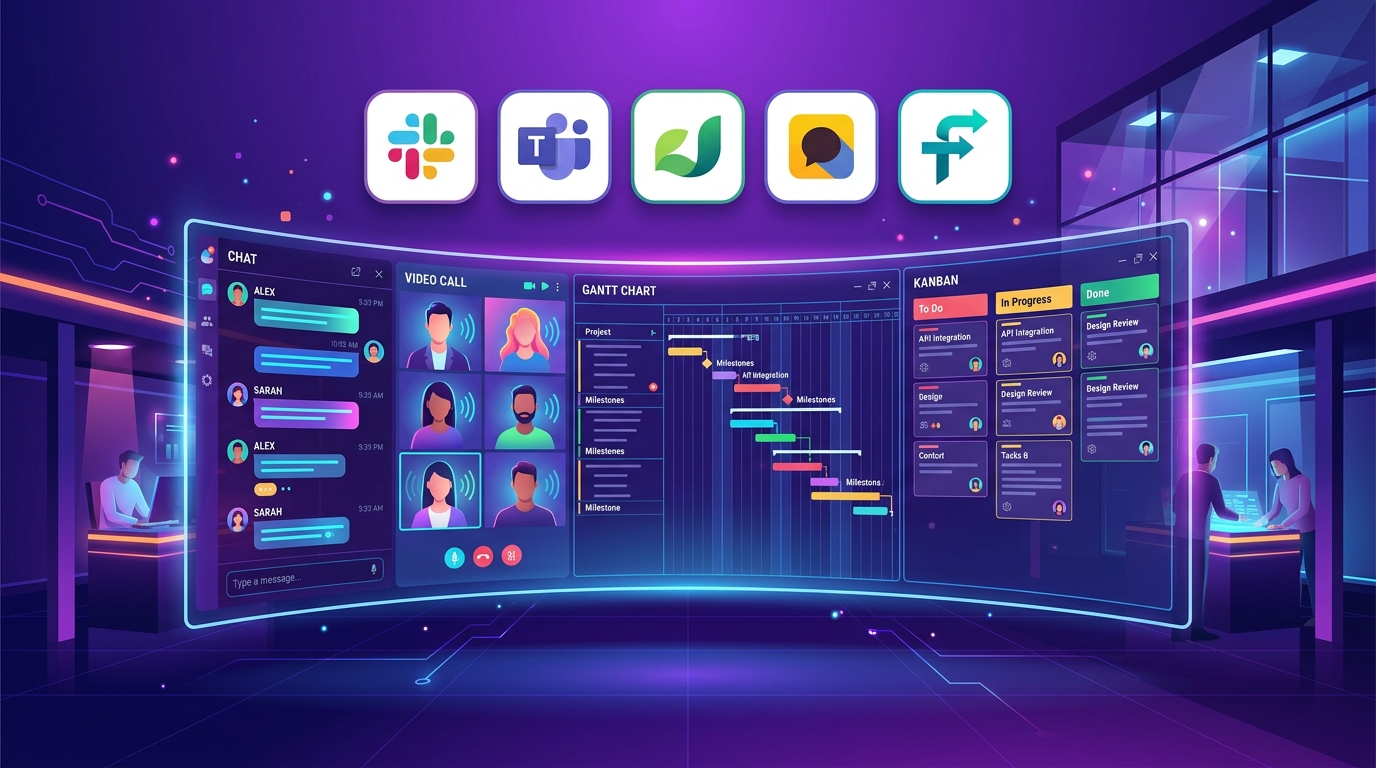
As of July 2026, Team Collaboration Tools & Business Messengers serve as the core digital workspace infrastructure driving productivity across startups, SMBs, enterprises, and remote-first organizations. Separating work communication from personal messengers, organizing business context around project units, and leveraging AI-powered meeting summaries directly dictate an organization’s velocity.
The evaluation criteria for selecting a collaboration platform in July 2026 center on key infrastructure metrics: “External App Ecosystem & Integrations, Native MS Office & Co-editing Synergy, Unified Messenger + Project Task Workflow, AI Summaries with Time/Approval Integration, and ROI relative to Per-User Monthly Costs.”
The five leading platforms dominating today’s business collaboration market—Slack (Slack AI), Microsoft Teams, JANDI, Kakao Work, and Flow—are reshaping modern workspace culture, each backed by distinct architectural strengths.
Based on July 30, 2026 data and real-world service benchmarks, this guide delivers an in-depth collaboration tool comparison and granular breakdown of all five services, comparing messaging thread structures, M365 integration, project task & Gantt chart features, AI capabilities, pricing tiers, and ideal selection guides by business size.
1. Executive Summary: July 2026 Top 5 Collaboration Tools at a Glance
For busy team leads, HR leaders, and IT administrators, here is a comprehensive summary table comparing the key specifications and defining strengths of the top 5 collaboration tools as of July 2026.
📊 July 2026 Top 5 Collaboration Tools Comparison Table
| Category | Slack | Microsoft Teams | JANDI | Kakao Work | Flow |
|---|---|---|---|---|---|
| Core Architecture | #1 Global IT & Startup Ecosystem | #1 MS 365 Office Suite Integration | #1 Intuitive Topic-based Messaging in Korea | #1 Familiar KakaoTalk UX with Time & Approval Systems | #1 Unified Messenger + Project Task Hub |
| Communication Structure | Channels / Threads / Huddle / Canvas | Teams / Channels / Video Calls / SharePoint | Topic-based Messaging | KakaoTalk UX 1:1 & Group Chat | Feed + Project Tasks |
| AI Capabilities | Slack AI (Thread Summaries & Search) | Copilot for Teams (Automated Meeting Summaries) | Basic AI Integration | Casper AI Agent | Flow AI (Project & Task Automation) |
| External Integrations | 2,600+ Apps (#1 for Jira/GitHub) | MS 365 App Ecosystem (Word/Excel) | 100+ Integrations (Jira, Google Drive) | Kakao Ecosystem & Groupware | 100+ Integrations & External Guest Invites |
| Project Management | Basic Tasks / Canvas Docs | Basic Planner / To-Do | Basic To-Do Lists | Basic To-Do / Attendance Integration | Top-tier (#1 Kanban, Gantt Chart, OKR) |
| Main Tiers & Pricing | Free: $0 Pro: $8.75/mo/user | M365 Business Basic: $6.00/mo Teams Essentials: $4.00/mo | Free: 0 KRW Premium: 6,000 KRW/mo/user | Free: 0 KRW Standard: 6,900 KRW/mo | Free: 0 KRW Pro: 6,000 KRW/mo/user |
| Best Suited For | Global IT, Startups, Developer Teams | Enterprises, MS Office-Centric Teams | SMBs, Teams Preferring Intuitive Korean UX | Instant Onboarding, Needs Attendance/Approval | Teams Prioritizing Project Scheduling & Task Tracking |
2. Deep Dive: Core Features of the 5 Collaboration Tools
The optimal tool choice varies depending on your team’s culture—whether you prioritize developer integrations, MS Office co-editing, intuitive topic channels, familiar KakaoTalk UI with HR features, or comprehensive project task tracking.
🔴 1) Slack (Slack AI) – #1 for Global IT & Developer Integrations
- 2,600+ App Pipeline: Seamlessly connects with developer and design tools like GitHub, Jira, Figma, and Google Drive, serving as a central hub for notification gathering and workflow automation.
- Huddle & Canvas: Start lightweight audio or screen-sharing sessions (Huddle) directly from text chat with a single click, and co-create real-time project documentation (Canvas).
🔵 2) Microsoft Teams – #1 for MS 365 Office Suite Integration
- Real-Time Word/Excel/PowerPoint Co-editing: Collaborate and edit files simultaneously directly inside Teams without needing to download documents.
- Copilot for Teams: Generates real-time meeting transcripts during video calls, providing concise meeting summaries and actionable follow-up items automatically.
🟢 3) JANDI – #1 for Intuitive Topic-based Collaboration in Korea
- Departmental Topic Management: Organized into neat topic channels by subject where files are permanently retained, making onboarding effortless for new hires and offboarding simple when employees depart.
💛 4) Kakao Work – #1 for KakaoTalk Familiarity & Built-in HR/Approval Systems
- Zero-Learning-Curve UX: Shares the exact same interface design as KakaoTalk—used by 50 million people in South Korea—enabling employees of all age groups to adapt instantly.
- Electronic Approval & Attendance Systems: Log daily check-ins and approve annual leave requests directly within the mobile app with one click.
🟣 5) Flow – #1 for Unified Messenger + Project Task Management
- Integrated Feed & Gantt Charts: Post tasks to a Facebook-style intuitive feed, while visualizing project progress and deadlines using interactive Kanban boards and Gantt charts.
3. AI Smart Summaries & Project Task Management Face-Off
[Project Task Management & Gantt Chart Visualization Benchmark]
Flow            : ⭐⭐⭐⭐⭐ (#1 for Kanban, Gantt Charts, & OKR Management)
Slack           : ⭐⭐⭐⭐☆ (Outstanding Canvas Docs & Slack AI Summaries)
Microsoft Teams : ⭐⭐⭐⭐☆ (Outstanding Planner Integration & Copilot Summaries)
JANDI           : ⭐⭐⭐☆☆ (Intuitive Basic To-Do List Management)
Kakao Work      : ⭐⭐⭐☆☆ (Basic To-Do Lists & Approval Integration)
4. Pricing & Implementation Cost Comparison
[Per-User Monthly Pricing Breakdown (USD/KRW)]
- Microsoft Teams (Teams Essentials) : $4.00/mo (~5,500 KRW) (Best MS Cost Value)
- Flow (Flow Pro)                   : 6,000 KRW/mo/user    (Best Project Cost Value)
- JANDI (JANDI Premium)             : 6,000 KRW/mo/user    (Best Domestic UX Value)
- Kakao Work (Standard)              : 6,900 KRW/mo/user    (Includes HR/Approval Systems)
- Slack (Slack Pro)                 : $8.75/mo (~12,000 KRW) (Global IT Feature Set)
5. Selection Guide by Business Size & Organizational Goals
Based on the analysis above, here is our definitive recommendation guide addressing “What is our organization’s current work environment and primary workflow?”
🎯 1) Tech Startups with Heavy External Tool Integrations (GitHub, Jira) & Autonomous Remote Work
- Best Choice: Slack
- Reason: Offers top-ranked integration with over 2,600 custom apps and developer-friendly thread communications among all five tools.
🎯 2) Enterprises & Mid-Market Companies Already Subscribed to MS 365 (Word, Excel, PowerPoint)
- Best Choice: Microsoft Teams
- Reason: Minimizes incremental costs while unlocking Copilot video meeting summaries and real-time co-editing in Office apps.
🎯 3) Korean SMBs Seeking Clean, Departmental Topic Channels for Real-Time Chat Without Complexity
- Best Choice: JANDI
- Reason: Delivers fast onboarding thanks to a simple Korean UX and permanent file storage capabilities.
🎯 4) Manufacturing, Retail, & Service Businesses Where Employees Are Used to KakaoTalk and Urgently Need Mobile Approval & Attendance Features
- Best Choice: Kakao Work
- Reason: Zero training overhead combined with built-in mobile attendance tracking and electronic approval workflows.
🎯 5) Teams Looking Beyond Basic Messaging to Track Task Owners, Gantt Chart Schedules, & OKRs in One Central Hub
- Best Choice: Flow
- Reason: Delivers an all-in-one solution that fully unifies messaging with comprehensive project task management.
6. Conclusion: Building Your Hybrid Digital Workspace
The key takeaway for team collaboration tools in July 2026 is “building a smart hybrid digital workspace architecture—unifying IT and developer communications through Slack or Teams, while integrating Flow or Gantt charts for project progress and schedule tracking.”
Select the collaboration platform that best aligns with your team culture to maximize work communication speed and organizational efficiency! 🚀✨