Premiere Pro vs CapCut vs DaVinci Resolve vs Final Cut Pro vs Filmora: Ultimate 2026 Video Editing Software Comparison Guide
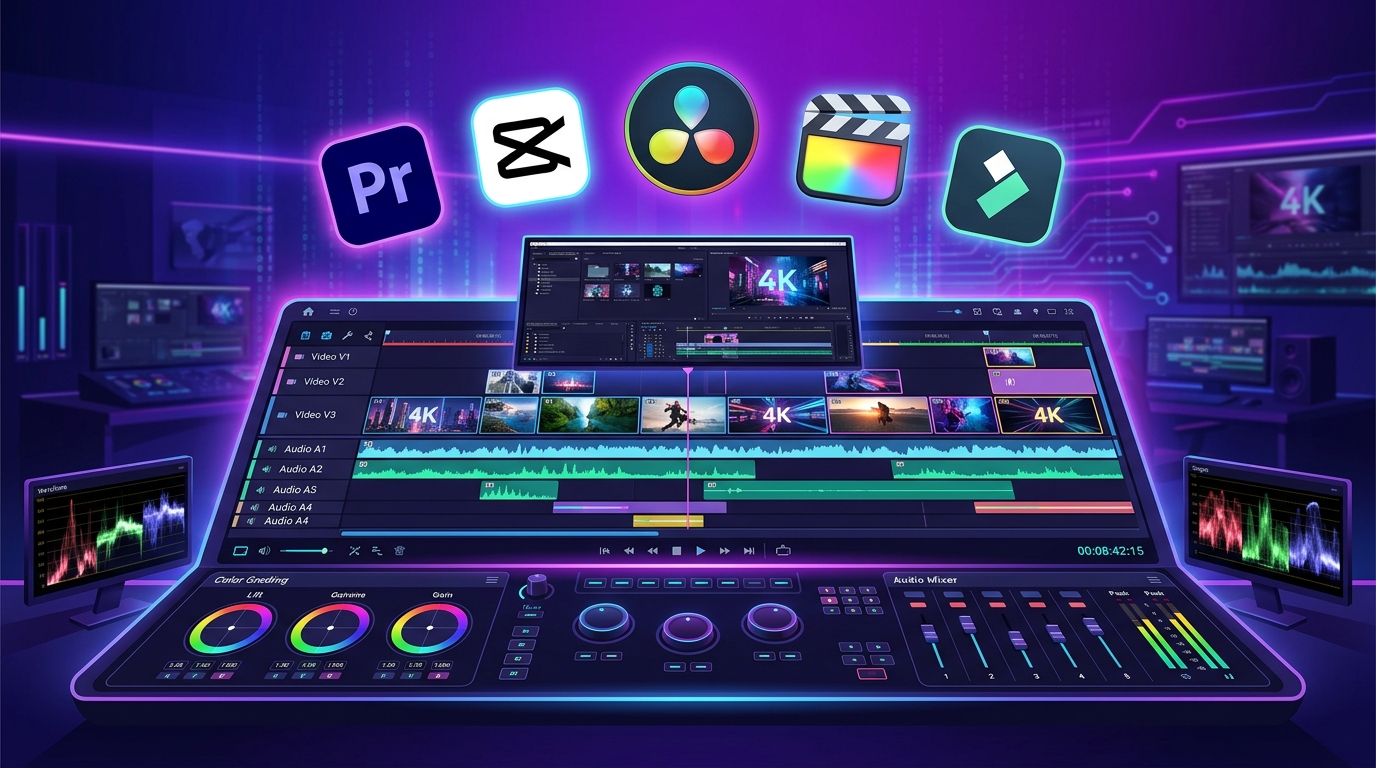
As of July 2026, video editing software serves as the core engine behind YouTube long-form content, Shorts/Reels short-form videos, 4K films, and TikTok posts. Beyond basic cut editing and caption insertion, AI auto-captioning, Hollywood-grade color grading, and Mac hardware optimization now determine a creator’s production speed and workflow efficiency.
In July 2026, key metrics determining an editor’s competitive edge when selecting a video editing tool include: “AI-powered auto-captions and short-form productivity, 4K/8K cinematic multicam and color grading capabilities, OS targeting (Windows vs. Mac M-Series), rendering speeds, and subscription vs. perpetual licensing structures.”
The five major software tools dominating today’s video editing ecosystem—Adobe Premiere Pro, CapCut, DaVinci Resolve 19, Final Cut Pro 11, and Filmora 14—each revolutionize creator workflows with their distinct timeline architectures.
Based on the latest data from July 30, 2026, and benchmarks from professional video editors, this guide offers an in-depth, comprehensive comparison of these 5 major video editing tools: timeline specifications, AI auto-captions and short-form features, rendering performance, free version availability, pricing plans, and recommended choices based on creator goals.
1. Executive Summary: Top 5 Video Editing Software Programs at a Glance (July 2026)
For busy video editors, here is a comprehensive comparison table summarizing key specifications and features of the top 5 software options as of July 2026.
📊 July 2026 Top 5 Video Editing Software Comprehensive Comparison Table
| Feature / Metric | Premiere Pro | CapCut | DaVinci Resolve | Final Cut Pro | Filmora |
|---|---|---|---|---|---|
| Core Philosophy | Global Industry Standard & Adobe Integration | Ultra-Fast Short-Form AI Editing | Hollywood Cinematic Color & VFX | macOS Optimization & Fast Rendering | Beginner Drag-and-Drop Workflow |
| Operating System | Windows / macOS | Windows / macOS / iOS / Android | Windows / macOS / Linux | macOS Exclusive (iPadOS Supported) | Windows / macOS |
| AI Integration | Adobe Firefly AI Auto-Captions | #1 One-Click AI Captions & AI Avatars | AI Voice Isolation & Deep Learning Tracking | Apple Silicon AI Accelerators | AI Smart Cutout & Audio Splitter |
| Color Grading | Lumetri Color Studio | Basic Filters & Adjustments | Industry Top (#1 Cinema-Grade Color Nodes) | Color Wheels & LUTs | Standard LUT Specs |
| Free Version | 7-Day Free Trial | Feature-Rich Free Version | 100% Unlimited Free (Studio Separate) | 90-Day Free Trial | Free Trial with Watermark |
| Learning Curve | High (Professional Timeline & Customization) | Low (Easiest 10-Min Onboarding) | High (Node-Based Workflow & VFX) | Medium (Intuitive Magnetic Timeline) | Low (Best Drag-and-Drop Entry Level) |
| Pricing Model | Subscription: $22.99/mo | Free: Free Pro: $7.99/mo | Free (Studio One-Time: $295) | Perpetual: $299.99 (Lifetime) | Subscription: $49.99/yr Perpetual: $79.99 |
| Best Recommended For | Professional Editors & Adobe Ecosystem Users | YouTube Shorts, Reels & TikTok Creators | Film/MV Producers & Power-Free Users | Mac Users & High-Speed Rendering Seekers | Video Editing Beginners & New YouTubers |
2. Deep Dive: Core Features of the Top 5 Video Editing Software
The ideal software depends heavily on your content type—whether it’s YouTube long-form, Shorts/Reels short-form, cinematic films and music videos, ultra-fast Mac-optimized editing, or easy beginner-friendly workflows.
🎬 1) Adobe Premiere Pro – #1 Global Video Editing Industry Standard
- Adobe Creative Cloud Ecosystem Integration: Seamless real-time integration with Photoshop, After Effects, and Audition allows effortless handling of dynamic motion graphics and advanced audio mixing.
- AI Text-Based Editing: Automatically transcribes spoken dialogue so that deleting text sentences directly cuts out the corresponding video segments on the timeline.
⚡ 2) CapCut – #1 for Short-Form Reels/Shorts & AI Auto-Captions
- One-Click AI Auto-Captions: Powered by high-accuracy AI speech recognition, it generates dynamic animated text captions for Shorts, Reels, and TikTok instantly.
- Mobile & Desktop Cloud Sync: Seamlessly import video templates recorded on the mobile app directly into the desktop version of CapCut to continue editing.
🎨 3) DaVinci Resolve 19 – #1 for Hollywood Cinematic Color Grading
- Node-Based Color Grading: Features Hollywood’s industry-standard node-based color grading system used in blockbuster feature films and music videos.
- Unmatched Free Version: The watermark-free free version alone equips users with full capability to produce commercial-grade 4K 60fps videos.
🍏 4) Final Cut Pro 11 – #1 for macOS Optimization & Perpetual License
- Apple Silicon M-Series Performance: Maximizes NPU and GPU acceleration on Mac hardware, delivering unmatched rendering speeds without heat throttling or lag even during 8K video exports.
- Perpetual One-Time License: Pay once ($299.99) for a lifetime license without recurring monthly subscription fees.
🪄 5) Filmora 14 – Best Beginner-Friendly Drag-and-Drop Editing
- Intuitive FX Library: Apply tens of thousands of transitions, animated text presets, and AI background removal with a single click—no complex setup required.
3. Auto-Captions & Rendering Speed Benchmark
[Video Editing AI Auto-Captions Processing Speed & Accuracy Benchmark]
CapCut              : ⭐⭐⭐⭐⭐ (#1 Fastest Auto-Captions for Short-Form)
Premiere Pro        : ⭐⭐⭐⭐☆ (Adobe Firefly AI Text-Based Editing)
Filmora 14          : ⭐⭐⭐█☆ (Built-In AI Speech-to-Text Support)
DaVinci / Final Cut : ⭐⭐⭐☆☆ (Manual & External Plugin Recommended)
4. Pricing & Licensing Structure Comparison
[Pricing Structure Comparison by Service (in USD)]
- DaVinci Resolve (Free)  : $0.00                (100% Unlimited Free)
- CapCut (Free)           : $0.00                (Free Essential Short-Form Features)
- CapCut (Pro)            : $7.99/mo             (Premium Effects & AI Avatars)
- Premiere Pro (Single App): $22.99/mo           (Single Application Subscription)
- Filmora (Perpetual)     : $79.99               (One-Time Purchase Lifetime License)
- DaVinci Resolve (Studio): $295.00              (One-Time Purchase Lifetime License)
- Final Cut Pro           : $299.99              (One-Time Purchase Lifetime License)
5. Final Recommendations by User Profile & Production Purpose
Based on the comparative analysis above, here is our ultimate decision guide tailored to your specific content creation goals.
🎯 1) Creators Posting YouTube Shorts, Instagram Reels, and TikTok Daily
- Best Choice: CapCut
- Why: Leads the industry in AI auto-caption generation and short-form template productivity.
🎯 2) Freelance Editors, Commercial Producers & Adobe Ecosystem Users
- Best Choice: Adobe Premiere Pro
- Why: The global industry standard with best-in-class real-time integration across Photoshop and After Effects.
🎯 3) Filmmakers & Music Video Editors Focused on Cinematic Color Grading Without Subscriptions
- Best Choice: DaVinci Resolve
- Why: Offers Hollywood-grade node-based color grading tools for free with no feature limitations.
🎯 4) Mac Users Seeking Lightning-Fast Rendering Speeds
- Best Choice: Final Cut Pro
- Why: Delivers #1 rendering performance optimized for Apple Silicon hardware alongside a one-time perpetual license.
🎯 5) Beginners Looking for an Easy, Intuitive Interface
- Best Choice: Filmora
- Why: Minimal learning curve allows beginners to produce high-quality videos using simple drag-and-drop actions.
6. Conclusion: Building Your Ideal Video Editing Workflow
The key takeaway for video editing in July 2026 is building a smart multi-tool pipeline: “Accelerate short-form caption editing with CapCut, while leveraging Premiere Pro, Final Cut Pro, or DaVinci Resolve to maximize visual quality for main long-form content.”
Choose the video editing software that best matches your computer specifications and production goals to create outstanding video content! 🎬✨